
A patient's details are their names, date of birth, gender, NHS number, Medical Record Number, email address and mobile number. You change them in one window, opened from the patient profile. CAREFUL records each change on the patient's Log tab.
You can edit the details of any patient in one of your teams. Administrators can edit any patient record in the organisation.
You cannot edit a read-only record. You see one when your team has a referral for the patient that it has not yet accepted: see Why is a patient's record read-only?
The first and last names are required. The date of birth cannot be in the future. Every other detail is optional.
CAREFUL does not check a changed NHS number or Medical Record Number against other patient records. It sends nothing to the patient's email address or mobile number: they are there for colleagues to read.
Edit the details
Correct a detail that was entered wrongly, such as a misspelt name or a mistyped NHS number. Add one that was missing when the patient was added, such as their Medical Record Number. Update one that has changed, such as their mobile number.
- Open the patient profile.
- Select Edit Demographics. You can also select any detail on the Profile tab, such as Last name or NHS.No.
- In Edit patient, change the details you need. First Name and Last Name cannot be left empty.
- Select Submit. CAREFUL saves the changes and closes the window.
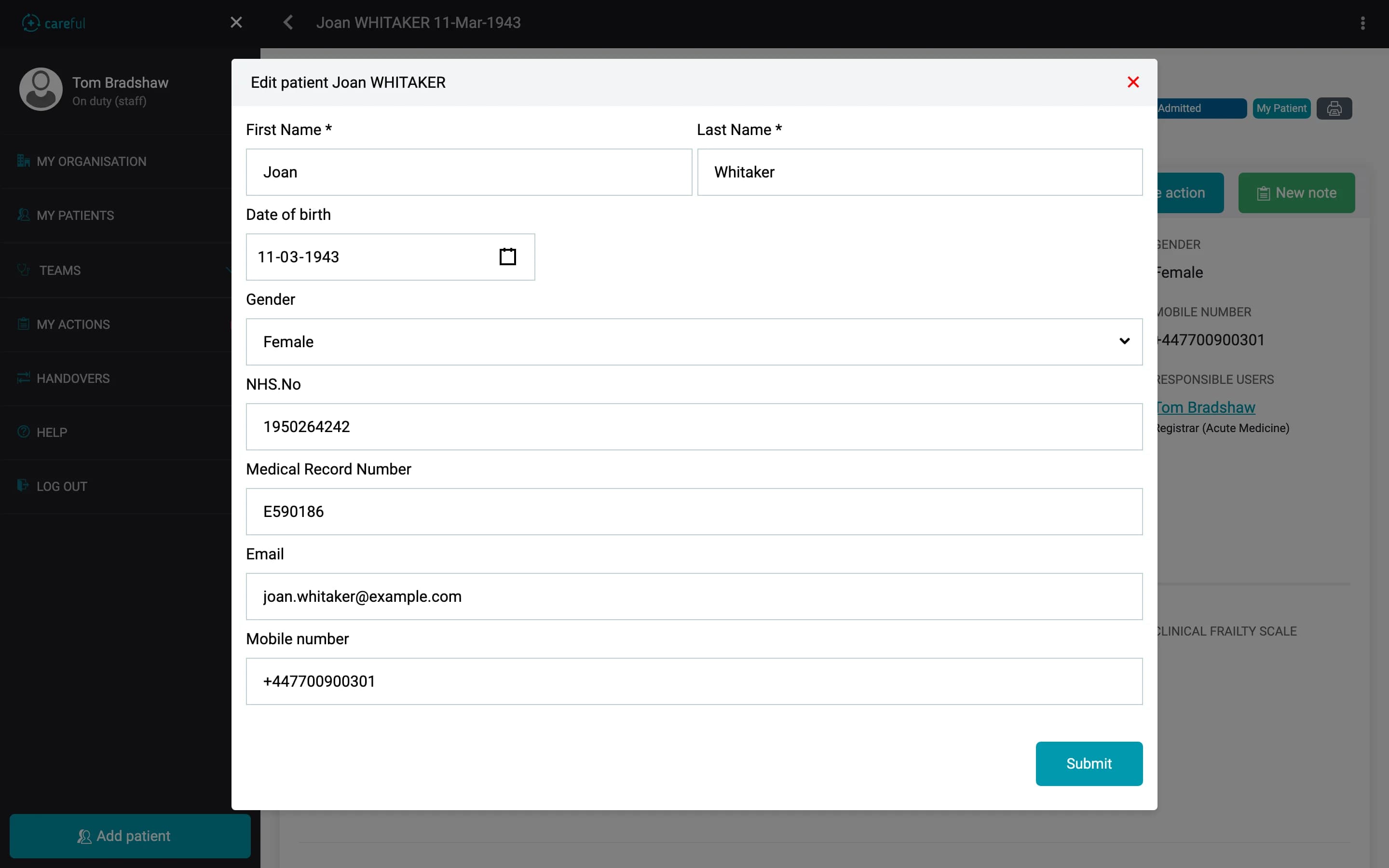 The Edit patient window, with the patient's details ready to change
Tip: CAREFUL keeps names exactly as you type them here. Use this to put back capitals that CAREFUL changed when the patient was added, such as "McDonald".
See who changed a detail
If a detail looks wrong, or has changed since you last looked, the Log tab shows who saved it and when.
- Open the patient profile.
- Select Log.
- Find the Edited entries. Each lists the details as they were saved, with the Date and the User who saved them.
Tip: An Edited entry lists every detail in the window, not only the ones that changed. Compare it with the entry before to see what changed.