
Renaming a team changes the name CAREFUL shows for it. The new name appears in the menu on the left, on Teams and at the top of the team page. Its patients, members, memo and log stay as they were.
Only team owners and administrators can rename a team. Team owners can rename the teams they own. Administrators can rename any team in the organisation.
The name cannot be empty and can be up to 100 characters long. No two teams in your organisation can share a name, even with different capitals or accents. So if "Ward 5" exists, you cannot call another team "WARD 5". Nor can you change only the capitals or accents of a team's own name.
CAREFUL does not tell anyone. The team's log records Team name updated, with the new name. Entries already in the logs keep the name the team had at the time.
Rename a team
Rename a team when the ward or service it stands for changes. The ward may have moved, merged with another or taken on a new speciality. A clear name helps colleagues choose the right team when they add or refer a patient.
- Select Teams in the menu on the left, then the team. On a phone, select the menu button at the bottom of the screen first.
- Select at the top of the team page, then Rename team. Rename Team opens with the current name in Team Name.
- Change the name in Team Name.
- Select Submit. CAREFUL saves the new name and closes the window.
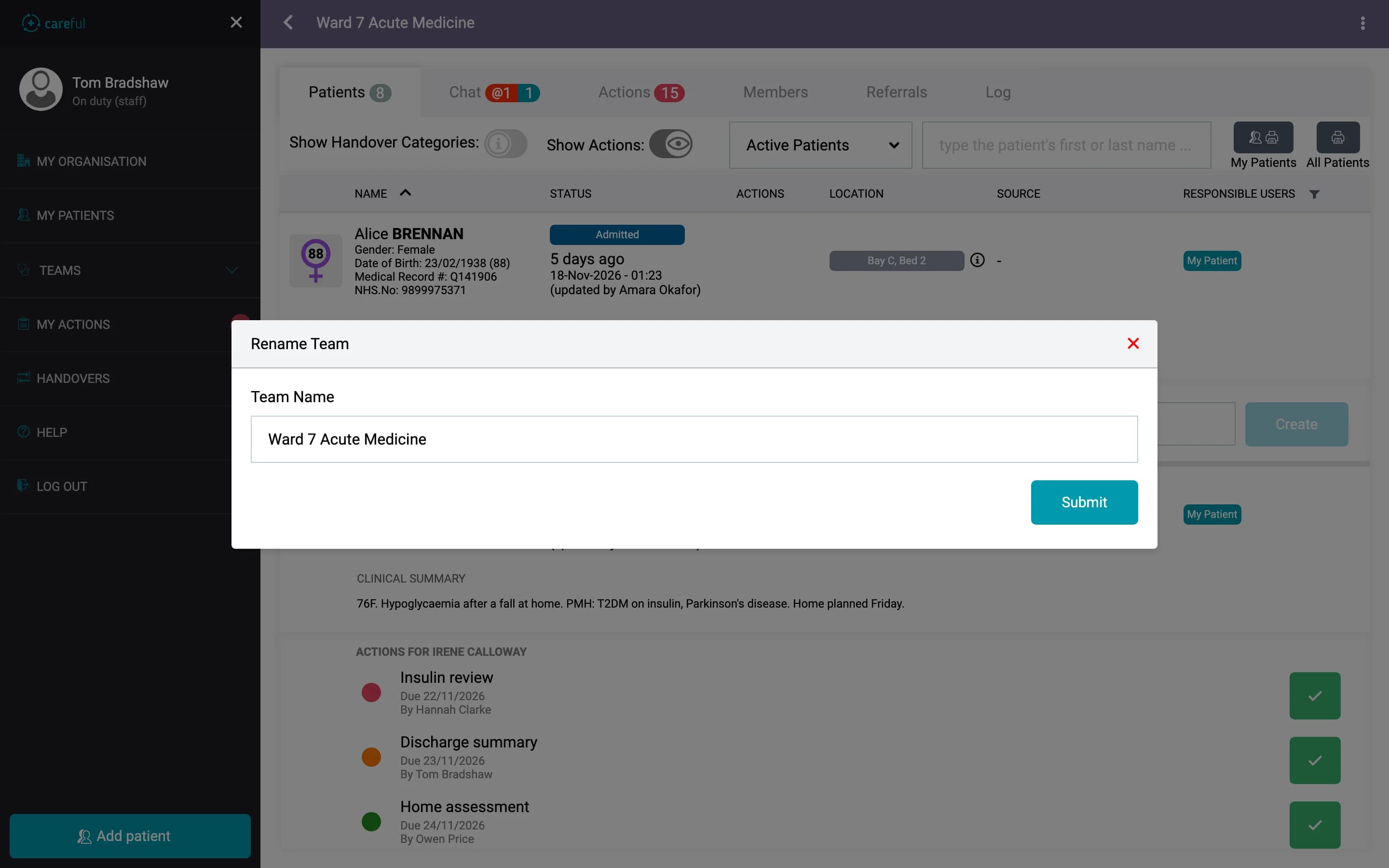 Rename Team, with the team's current name in Team Name
Tip: If CAREFUL says "Team with this name already exists", a team in your organisation has that name, whatever its capitals or accents. It can be the team you are renaming.